
Improving the user engagement of the carbon tracking system of the sustainability focused app
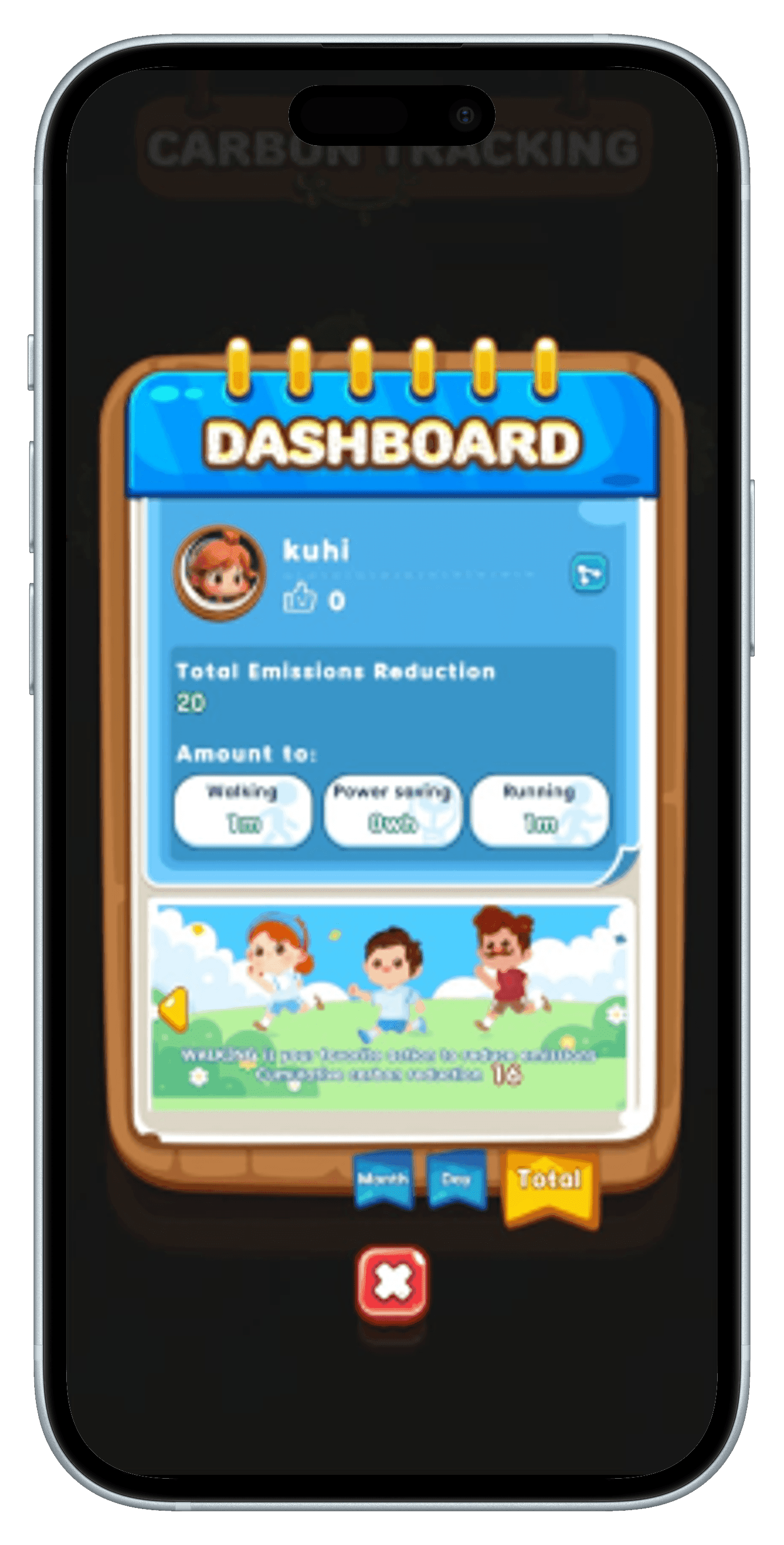
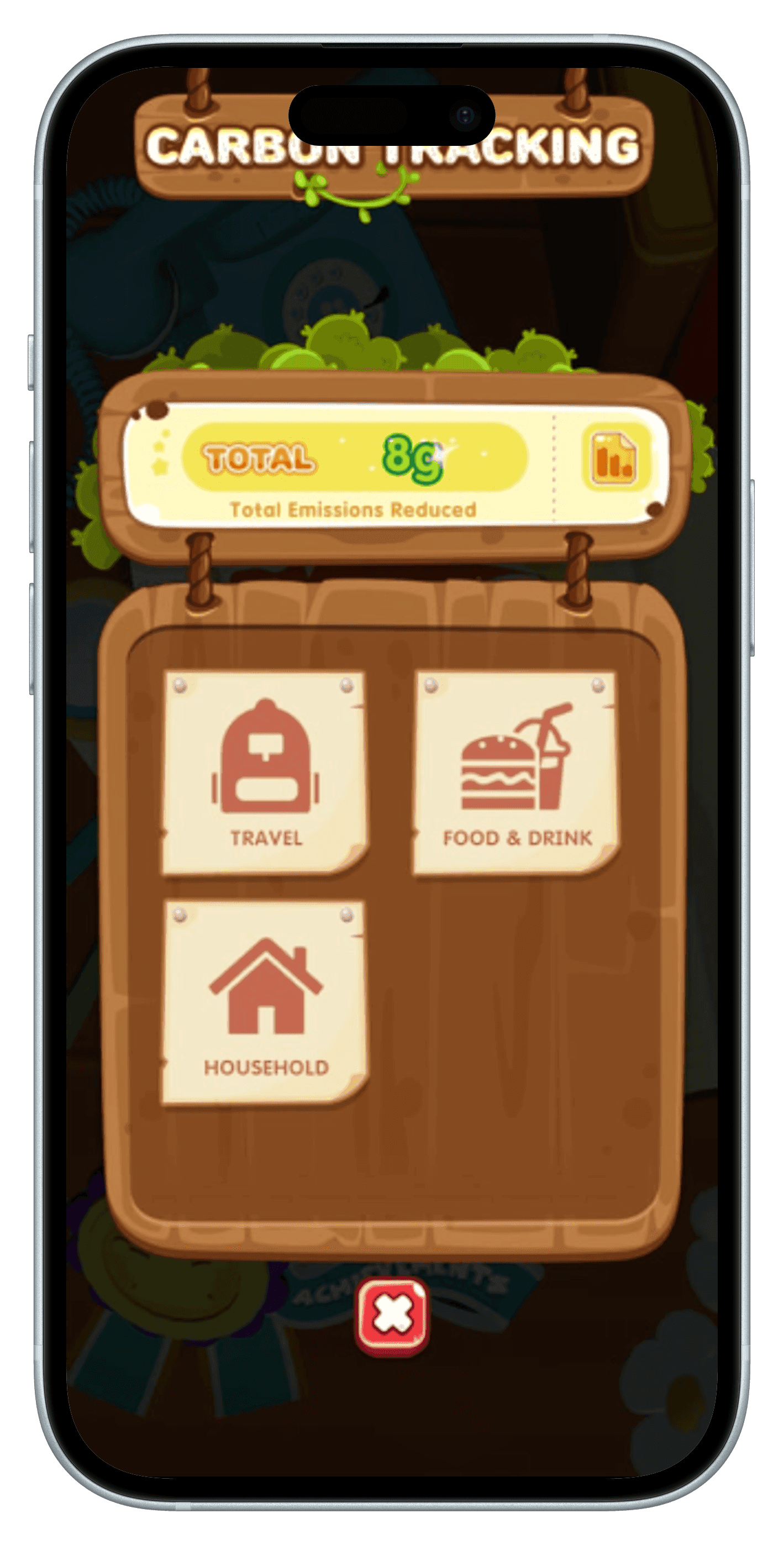
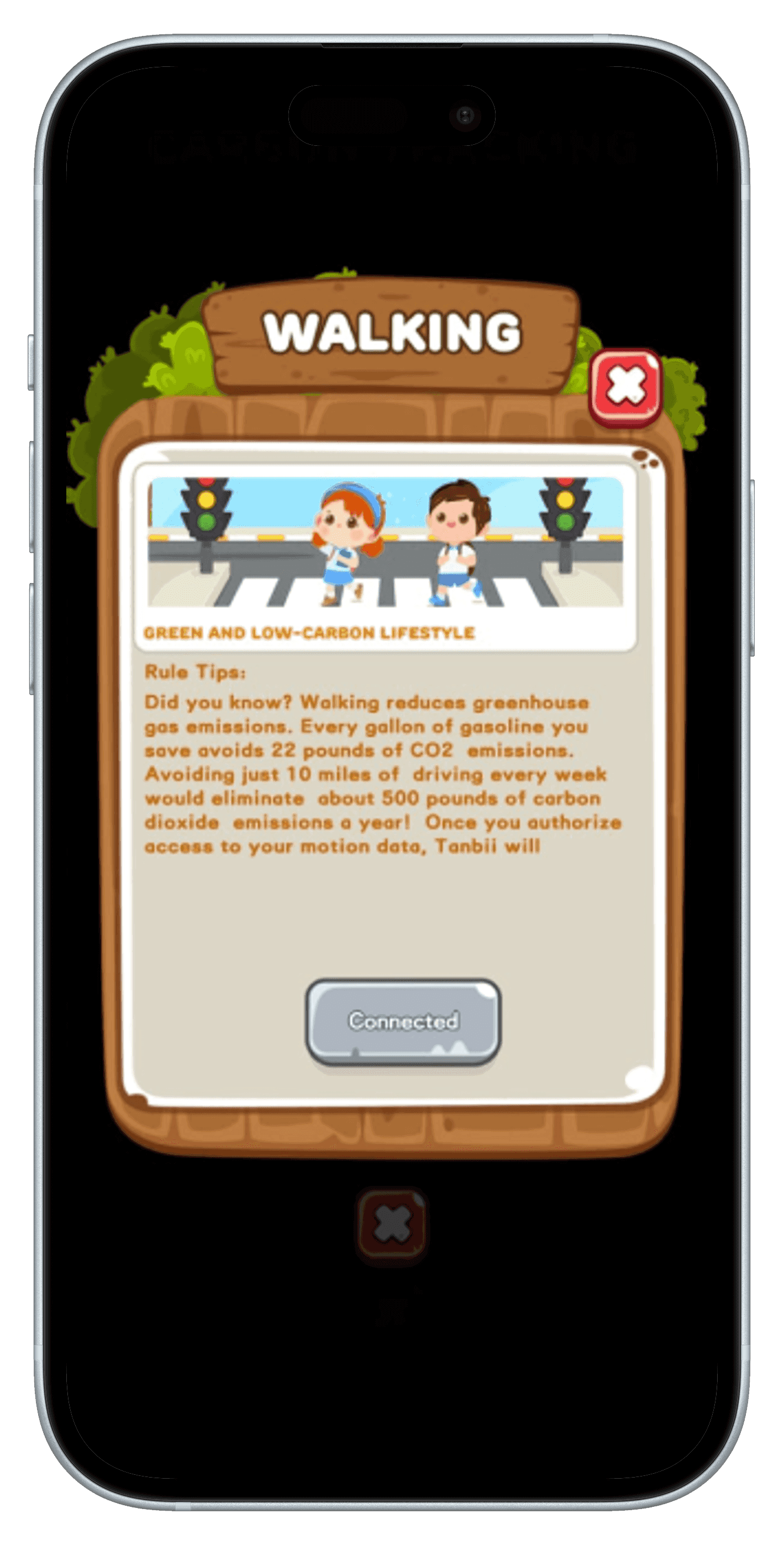
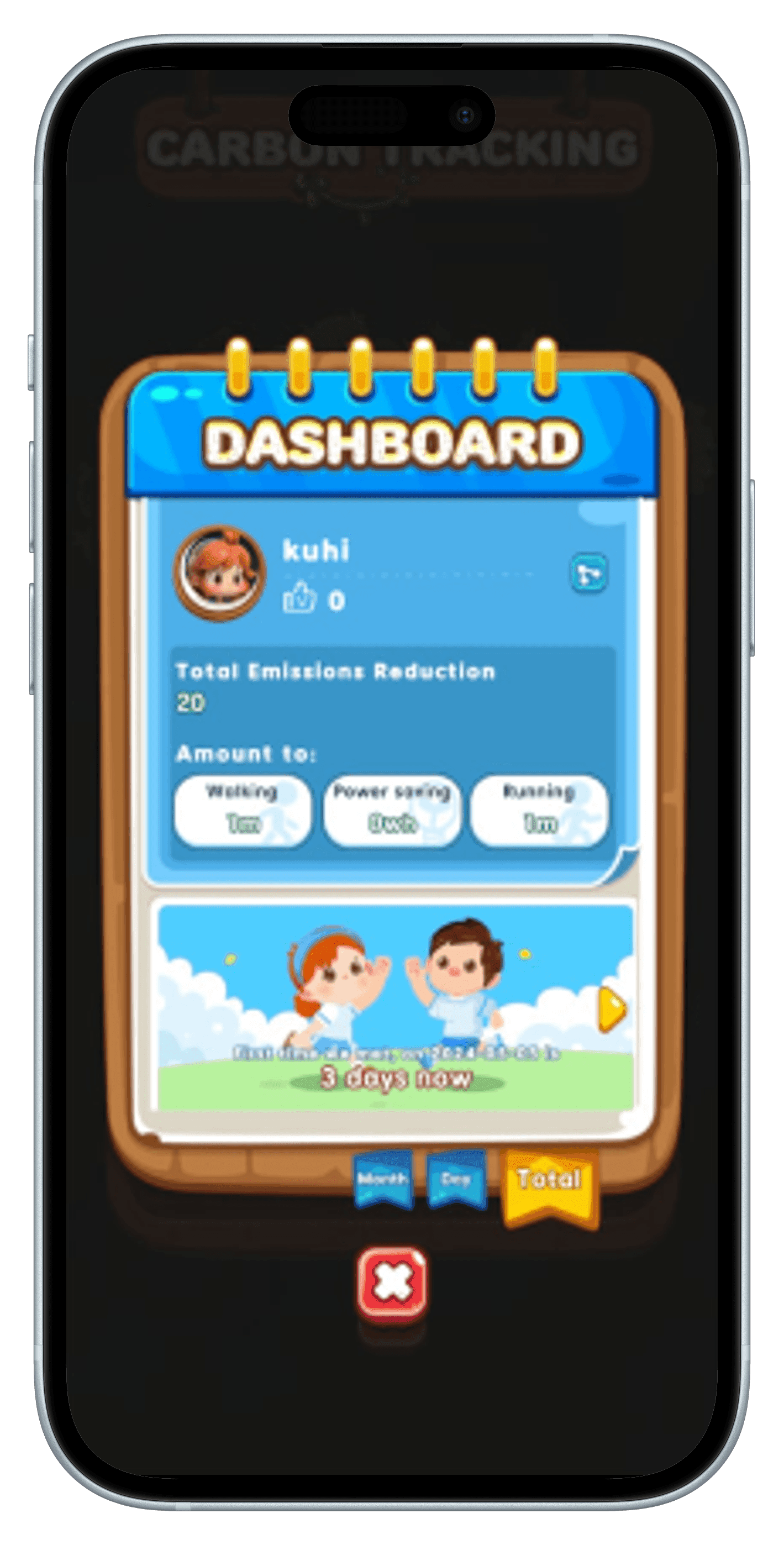
What is Tanbii?
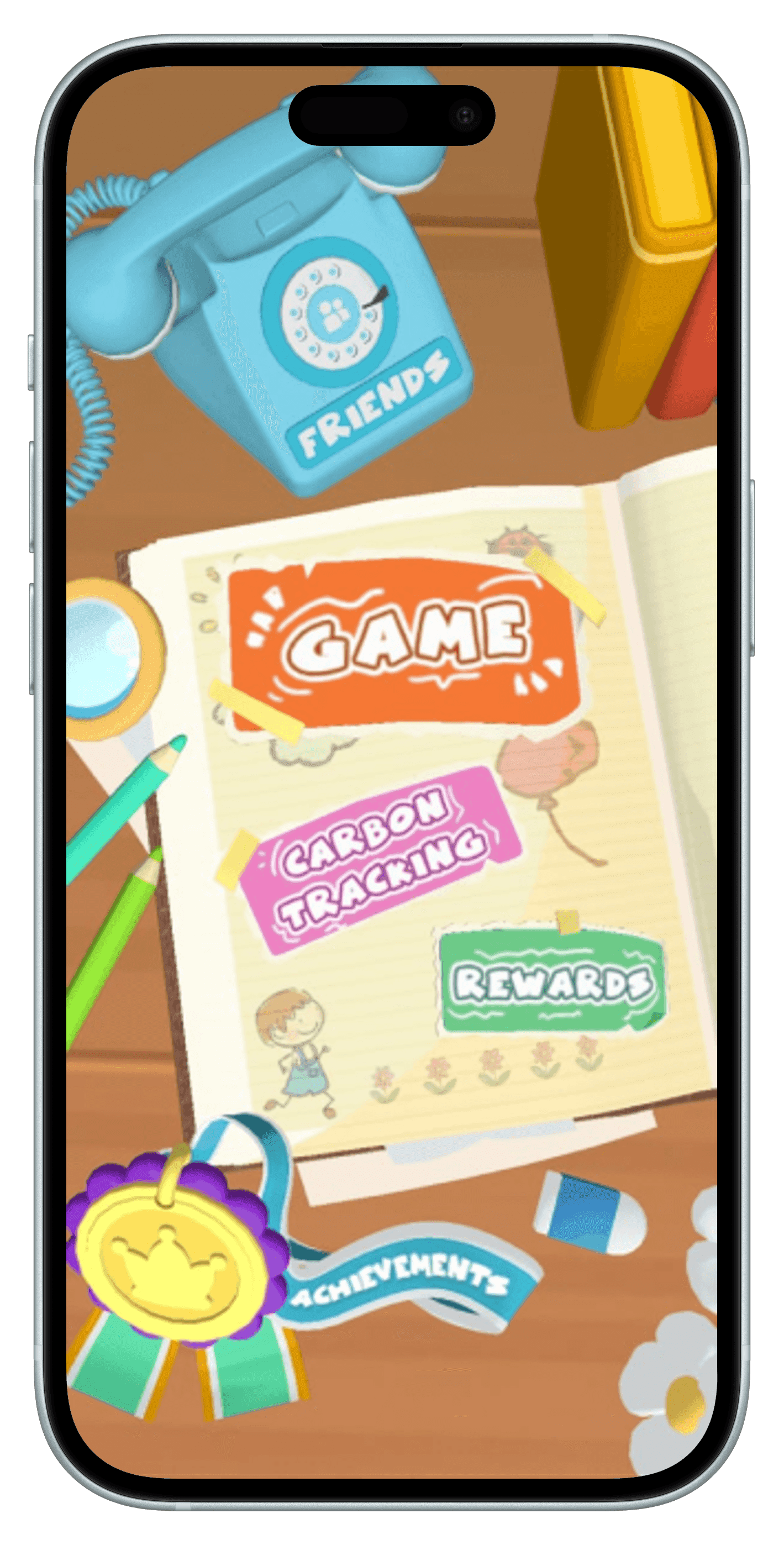
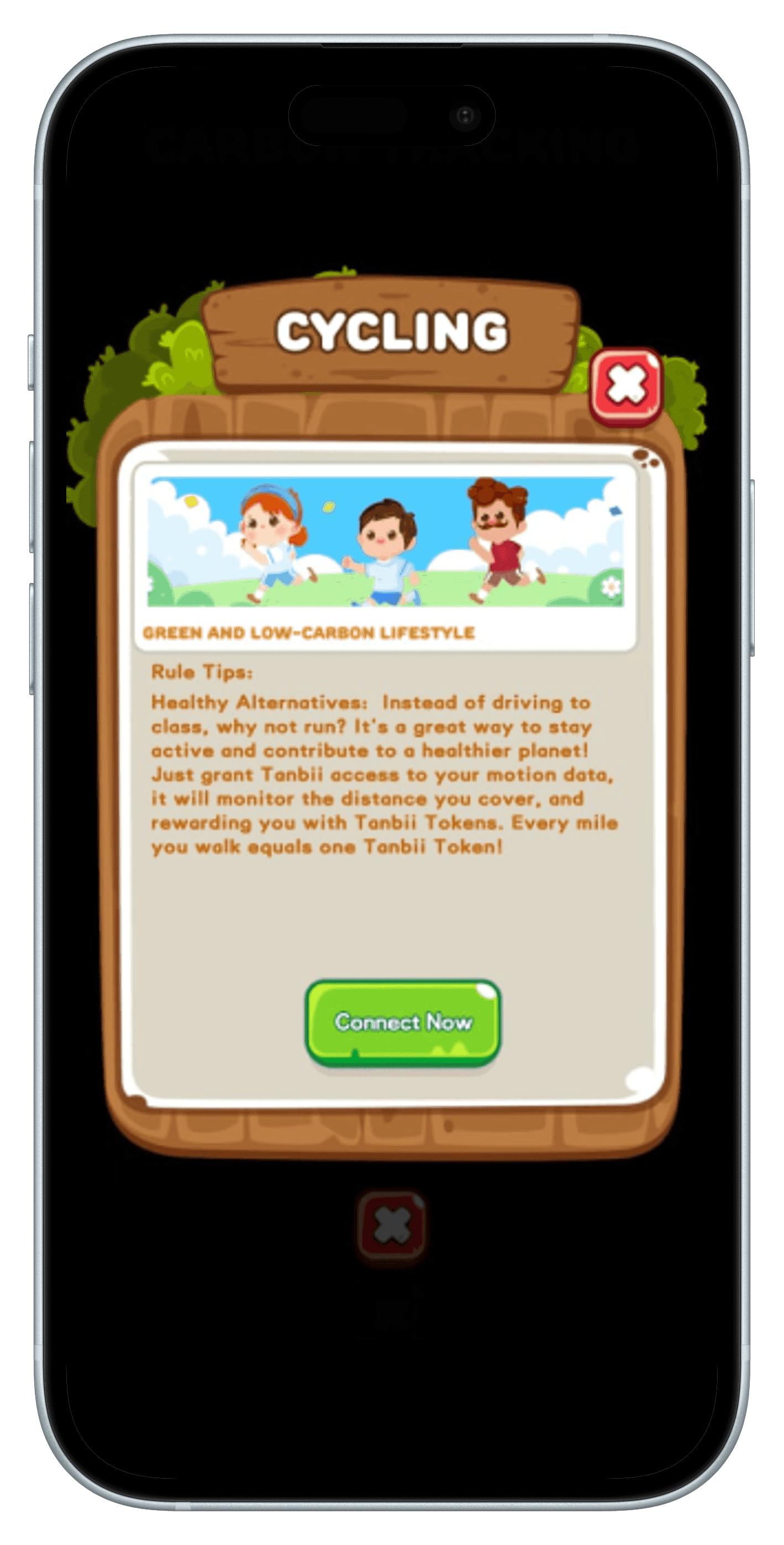
Tanbii is a gamified Web5 gaming-app designed to incentivize personal carbon reduction by tracking real-world carbon-saving activities and rewarding users with digital tokens in the virtual world.
The app combines blockchain and AI to create a verified carbon algorithm that tokenizes users' actions, allowing them to redeem rewards, support environmental projects, and move forward in the game.
The platform fosters a sustainable ecosystem by enabling personal carbon credits trading and helping brands build customer relationships while optimizing inventory.
Scope
During my internship at Tanbii, the primary focus of our team was to review and evaluate the carbon tracking section from a user experience perspective, identifying areas for improvement in mechanics, user flows, and UI design.
This included:
Conducting a detailed analysis of the current user interface (UI) and user flows within the carbon tracking functionality, assessing what was effective, what could be optimized, and what should be removed.
Researching and proposing enhancements for Tanbii’s carbon tracking system by exploring trendy designs and evaluating their pros and cons.
Designing new user flows and wireframes to improve the feature’s usability and engagement.
UX Analysis for Carbon Tracking function
Lack of inclusive, engaging content
Only tracking carbon emissions over 3 categories
The lack of tasks also means that some individuals such as elderly, students might not be able to use the app to its full extent
Confusing UI
Lack of a unified navigation system increases the learning curve.
Too much unused space in menu screens hides important content that can be easily displayed in an organised manner.
Poor execution
Errors in descriptions/instructions
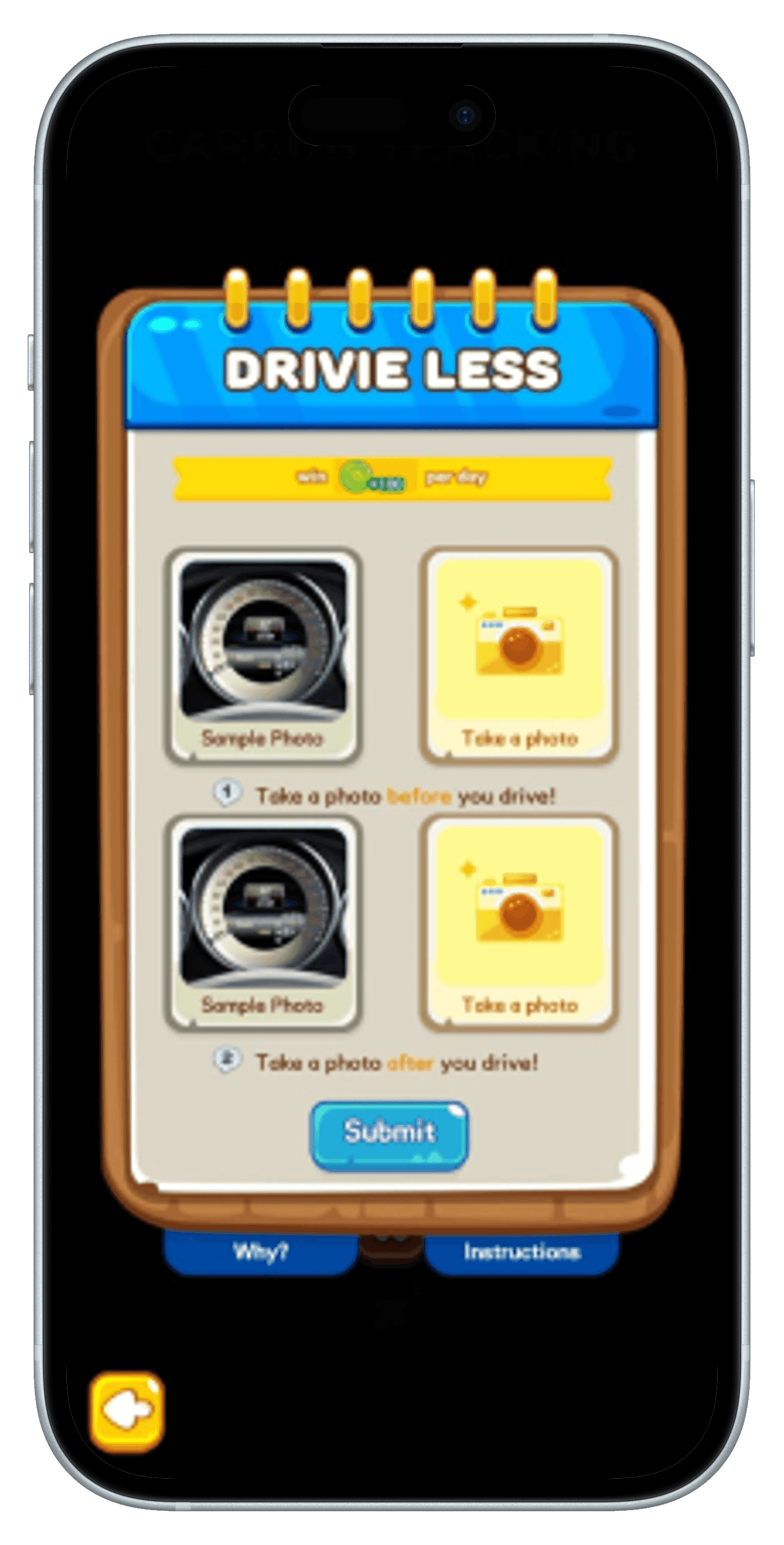
Task tracking is very primitive and doesn’t give user much control
Design
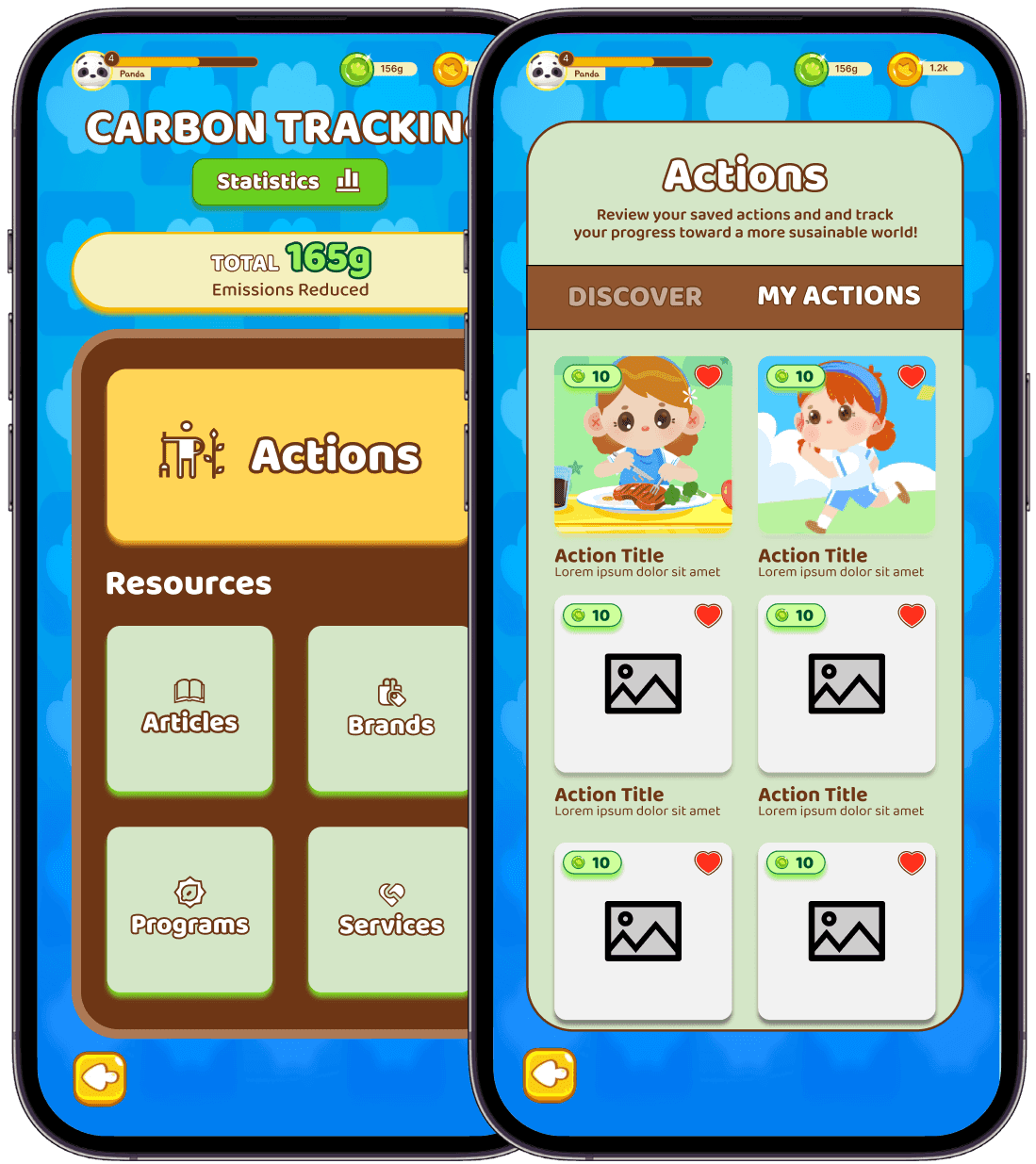
Added different kinds of categories.
There are actions, and then apart from that more resources to lower impact
Gives a lot of freedom to the user to choose ways to lower their carbon footprint
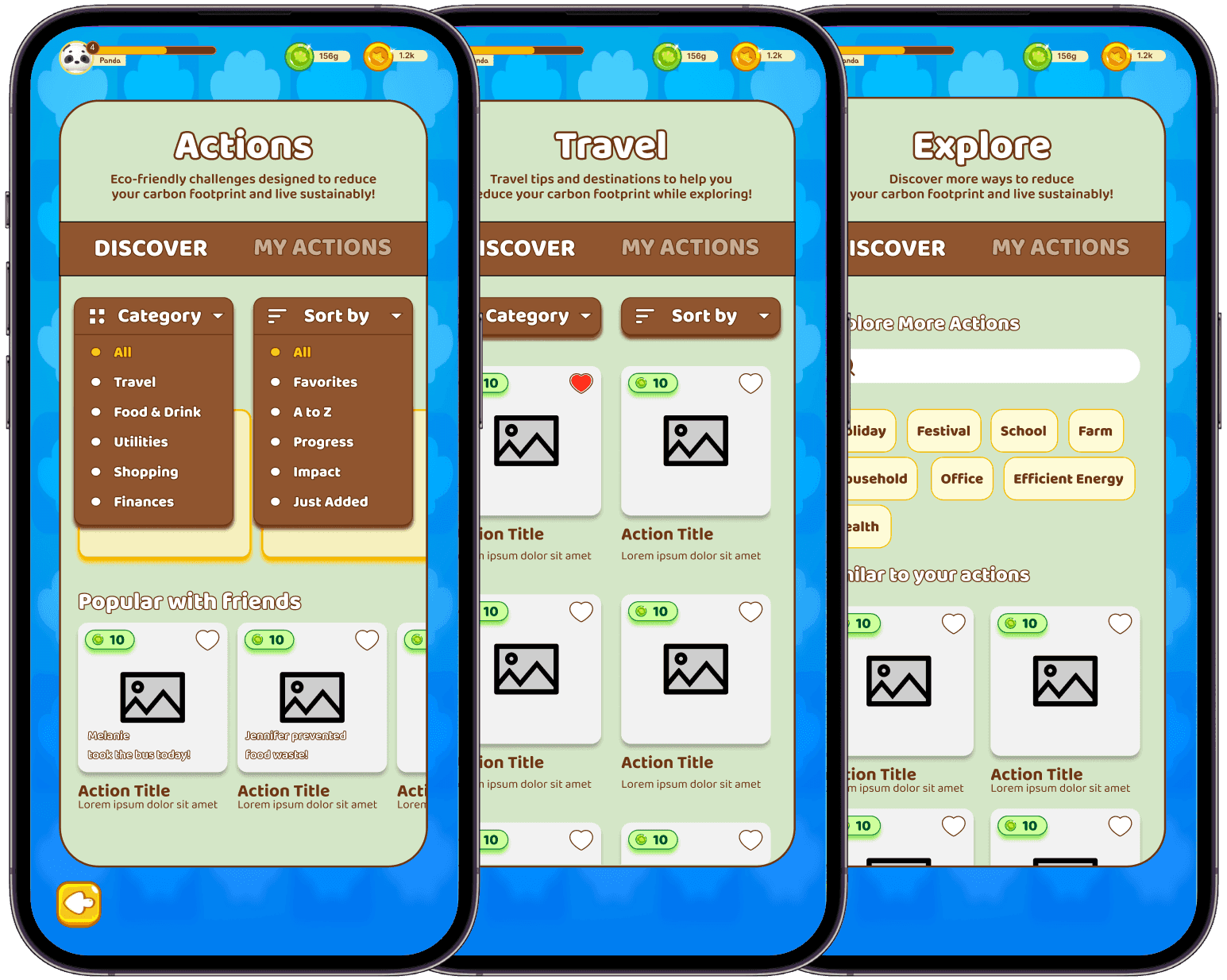
Comprehensive sort, filter and search
Actions and other resources are organised by relevant categories.
Browsing through the different options has never been easier.
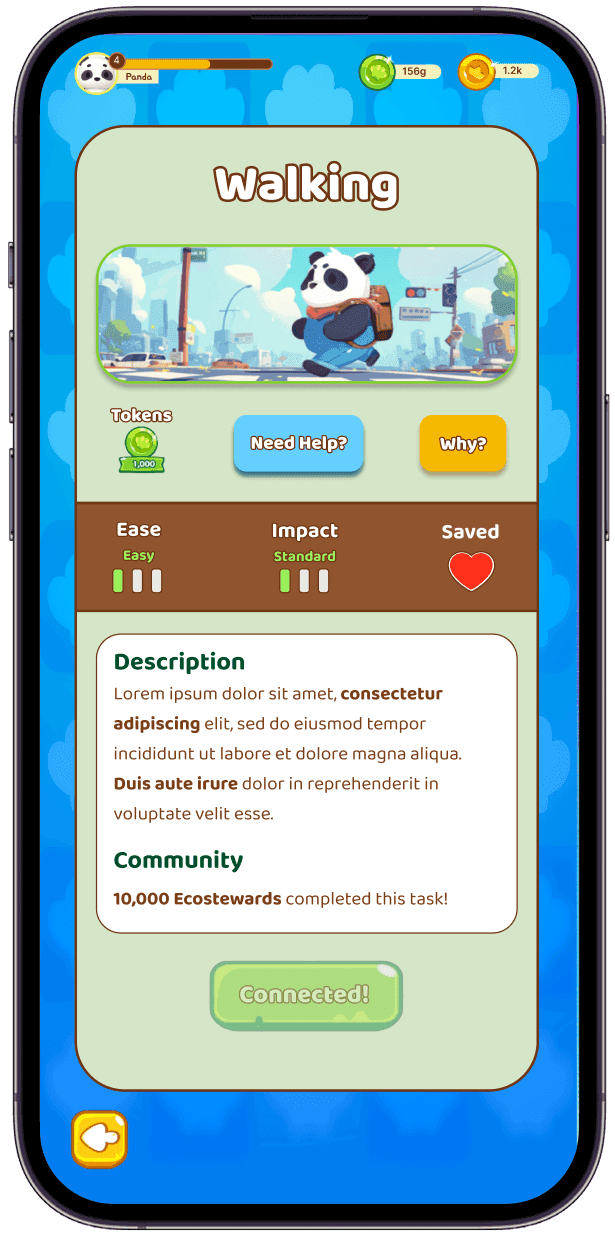
Information that matters
Find out the impact and feasibility of any task.
Knowing the popularity using the community metrics adds a healthy social pressure.
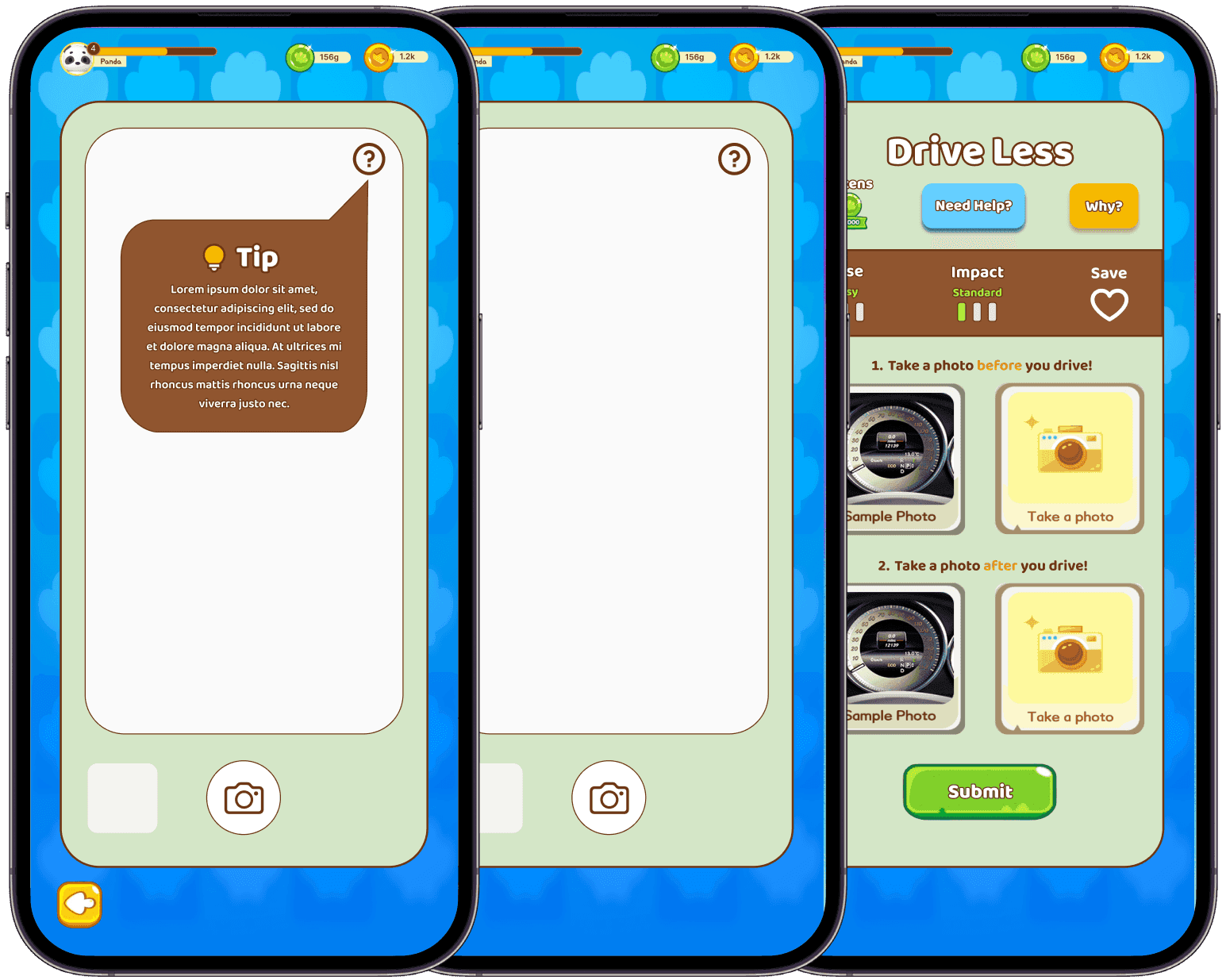
Better flow for tracking through pictures
Camera roll access for tracking at user convenience
Adding short tips on the camera screen for additional support.
Research
Target User Persona
User flow for Carbon Tracking feature
Analysing other carbon footprint applications
Strengths
- Filter system for ease of search
- Ease level and points that can be earned are displayed
- Quick Actions & description are displayed once tapped on
- Actions organized into categories and collections
Strengths
- Carbon footprint calculator according to UN guidelines
- Themed Tasks to reduce carbon footprint (Eg organise a holiday cloth swap, plan a road trip, skip flights)
- UN SDGS goals related to the task listed
- Detailed search functionality for all carbon reducing actions
- Ability to form habits for favourite tasks
Strengths
- Offers a variety of resources- brands, articles, actions, offsets.
- Provides offsets for the carbon production we cannot reduce, which are basically funding or donations toward more sustainable programs.
- Filtering system which offers different categories
- Actions catered towards sustainable spending habits
- Promotes eco-friendly brands
- Offers Personalisation by adding our card and tracking the carbon footprint
Updated User flow for Carbon Tracking feature
Supervisor presentation and incorporating feedback
Feedback
How can we access the carbon tracking functionality? - only through the menu or also from the energy centre in the game?
Do we need to improve flow to access carbon tracking? Should there be a universal button instead of in the menu and energy centre?
In the main screen, the Actions menu should be highlighted more, as its the most important through business perspective
Improved flow
Carbon tracking functionality available through the Menu and the energy centre, so users don’t have to enter the game to access it every time.
Conclusion
What I learned?
This internship provided me with valuable experience in UX research alongside other talented individuals.
The main takeaway from this project would be - Business goals are something that cannot be compromised when designing a product and my role as a designer should be to merge the two sides (user and business) seamlessly together.
What will I improve?
Looking back, I would like to perform user testing with our 1st solutions, to get a better idea of user behaviour.
I would spend more time in refining the flow and information architecture, iterating using feedbacks from all stakeholders.